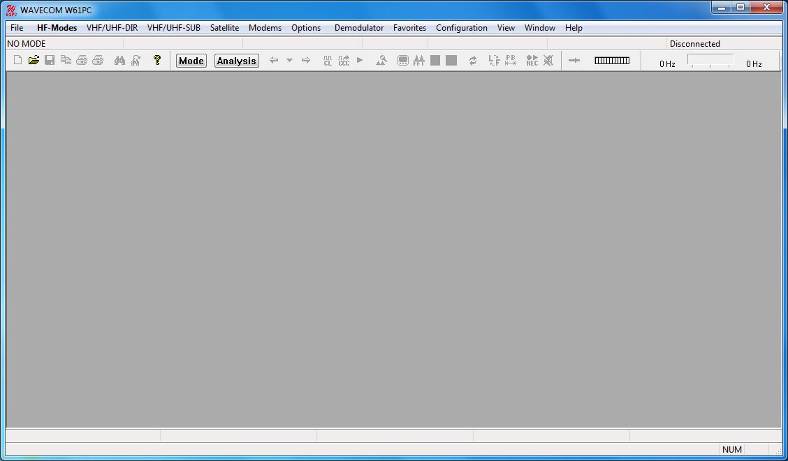
ü After the software and the W61PC card have been successfully installed, the decoder program can be started either from the WINDOWS Start menu or by double-clicking the program icon on your desktop.
ü Proper operation of the decoder is indicated by the WAVECOM Server Control icon in the Windows system tray. If the traffic light in the icon is green, then the server is operating normally. You may also move the mouse over the icon and check that you get this status message: WAVECOM Server (running).
Ø The first time the software is used after the installation, you will have to set the decoder device manually. From the menu bar, go to Configuration. A drop-down menu will appear. Click on the W61PC Card… menu item. A setup window appears.

Ø Select a device number and click Done to save the entry. If you require more details regarding remote connections and connection parameters then see W61PC Card….
Ø The decoder is now ready for use. Apply a signal to the selected input (from a receiver) or from a played back file.
Ø From the HF-Modes, VHF/UHF-Modes or Satellite menus, a mode may be selected, e.g., PACTOR-II if a PACTOR-II signal is played back.
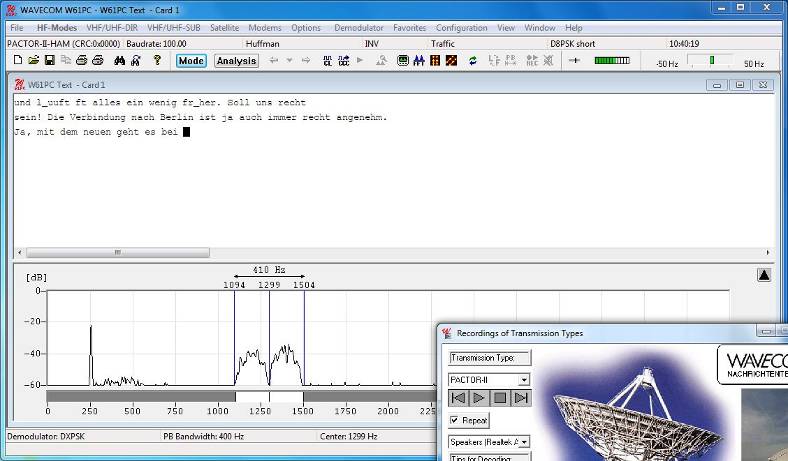
Ø Tune the demodulator to the correct center frequency and set the correct level.